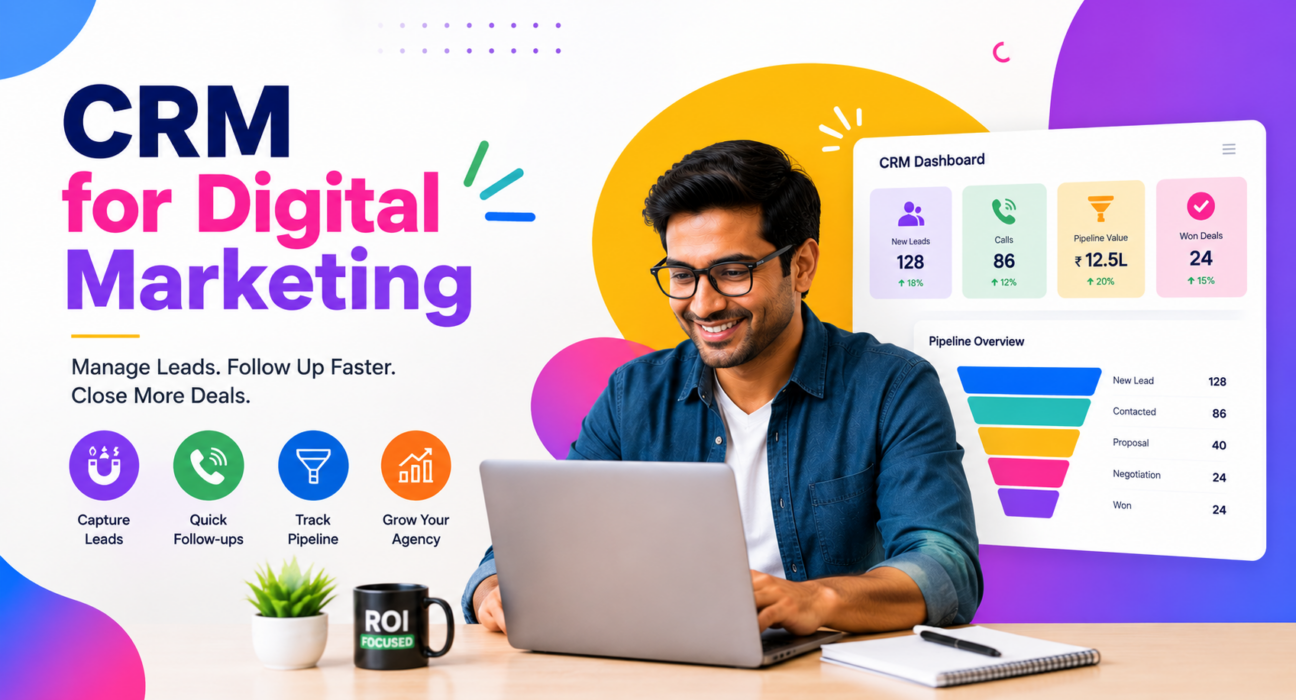
A digital marketing agency runs on two lead streams at once. First, there are the enquiries coming in for the agency’s own services. Second, there are the leads the agency generates for its clients through ads, SEO, and campaigns. Most agencies try to manage both using a mix of spreadsheets, WhatsApp chats, and ad-platform dashboards. That works for a while. Then leads start slipping through the gaps.
A CRM for digital marketing solves this problem. It gives agencies one place to capture, assign, and follow up on every lead. This also includes leads for the agency itself and leads for its clients. Tools like TeleCalling CRM’s digital marketing solution handle this dual workload directly. So agencies can run their own growth and their client campaigns from the same system.
This article covers what a CRM for digital marketing does, why agencies need one, and how to choose one well.
What Is a CRM for Digital Marketing?
A CRM for digital marketing helps marketing agencies capture leads from ad platforms and other sources. It assigns each lead to the right person and tracks every call and follow-up. It also shows the value of each opportunity as it moves through the pipeline.
A generic CRM, however, does not account for how marketing leads actually behave. These leads arrive from multiple ad accounts and need a fast first response. They also often belong to different clients that require separate tracking. So a CRM built specifically for digital marketing addresses each need directly.
Why Digital Marketing Teams Need This Kind of CRM
Unlike most other businesses, marketing agencies face a lead-management problem that’s uniquely theirs. They rarely sell one product to one type of customer. Instead, they run outbound and inbound motions for themselves, and often run the same process for several clients at once.
The Everyday Realities That Make This Hard
A few specific challenges make agency lead management harder than it looks:
- Leads arrive from many channels. Facebook and Instagram lead ads, Google Ads forms, website forms, and referrals can all land in different inboxes at once.
- Speed decides the sale. A lead that filled a form after seeing an ad is interested right now. However, a callback two days later usually goes cold.
- Multiple clients mean multiple pipelines. An agency handling five clients, for instance, must keep each client’s leads and budget details separate and reportable.
- Accountability matters to clients. Agencies need to show clients how many leads came in, how many got contacted, and how many converted.
What Happens Without a System
Without a system built for this, most agencies fall back on shared spreadsheets or manually check each ad platform. As a result, leads get duplicated and follow-ups get missed. Ultimately, nobody has a clear picture of what is actually working.
Core Capabilities of a Digital Marketing CRM
Lead Capture From Ad Platforms
The most useful feature for marketing teams is direct integration with the platforms where leads originate. For example, a CRM can connect to Facebook and Instagram lead ads, Google Ads, and website forms. Every new enquiry then lands in the pipeline automatically. Nobody needs to export a CSV manually.
This speed matters because marketing leads are time-sensitive. A prospect who just submitted an ad form feels warm right now. But if that lead sits unrouted for a few hours, interest fades fast.
Auto Dialer and Call Logging
Once a lead enters the system, an auto dialer queues it for the next available call. This removes the need for an agent to dial manually. The system also logs every call outcome, duration, and note automatically. So agents don’t need to fill in spreadsheets after each call.
Lead Fields Built for Marketing Conversations
Generic CRMs ask for generic information. A CRM built for digital marketing instead captures what matters in a discovery call: services needed, monthly budget, industry, website, and decision maker. As a result, an agent walks into every call already knowing the context.
A Pipeline That Matches the Sales Process
Digital marketing sales rarely close in one call. A typical journey looks like this:
- New Lead – enquiry just came in from an ad or form
- Discovery Call – first conversation to understand the need
- Audit / Proposal – agency shares findings and pricing
- Negotiation – budget and scope are being finalised
- Retainer Won – client signs on
- Lost – opportunity did not convert
Tracking deal value at each stage gives the agency a live view of open pipeline, won revenue, and win rate. Teams can sort this by agent or by lead source.
Managing Leads for Multiple Clients
Agencies that also run lead generation as a service need to keep each client’s leads separate, without running separate tools. Tagging leads by source or client makes this simple. It also lets an agency prove ROI to every client from one dashboard.
Follow-Up Automation
A missed follow-up often means a lost deal. That’s why automated reminders, overdue alerts, and scheduled callbacks matter so much. Together, they keep a lead from going cold just because an agent got busy.
Team Visibility and Reporting
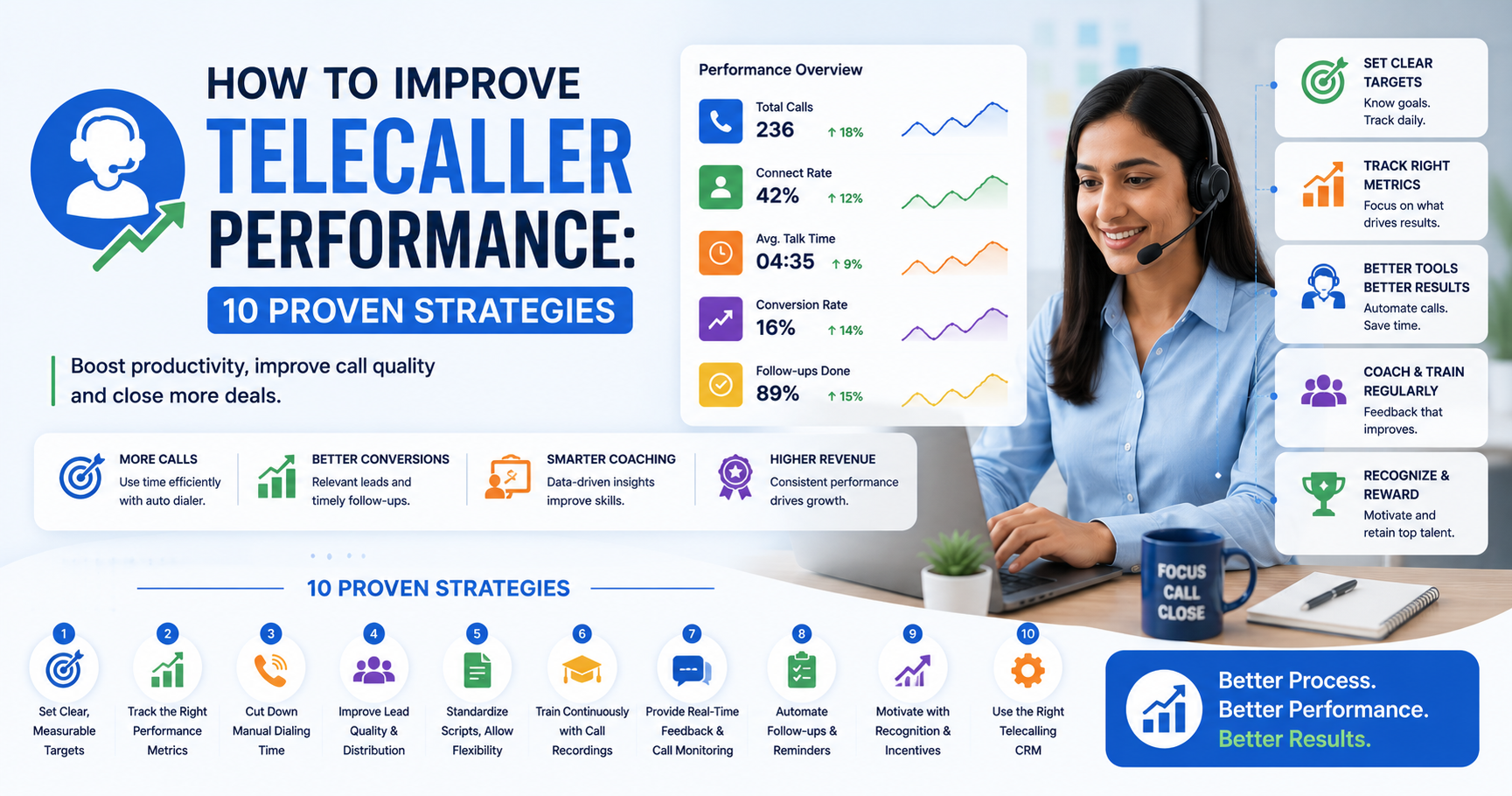
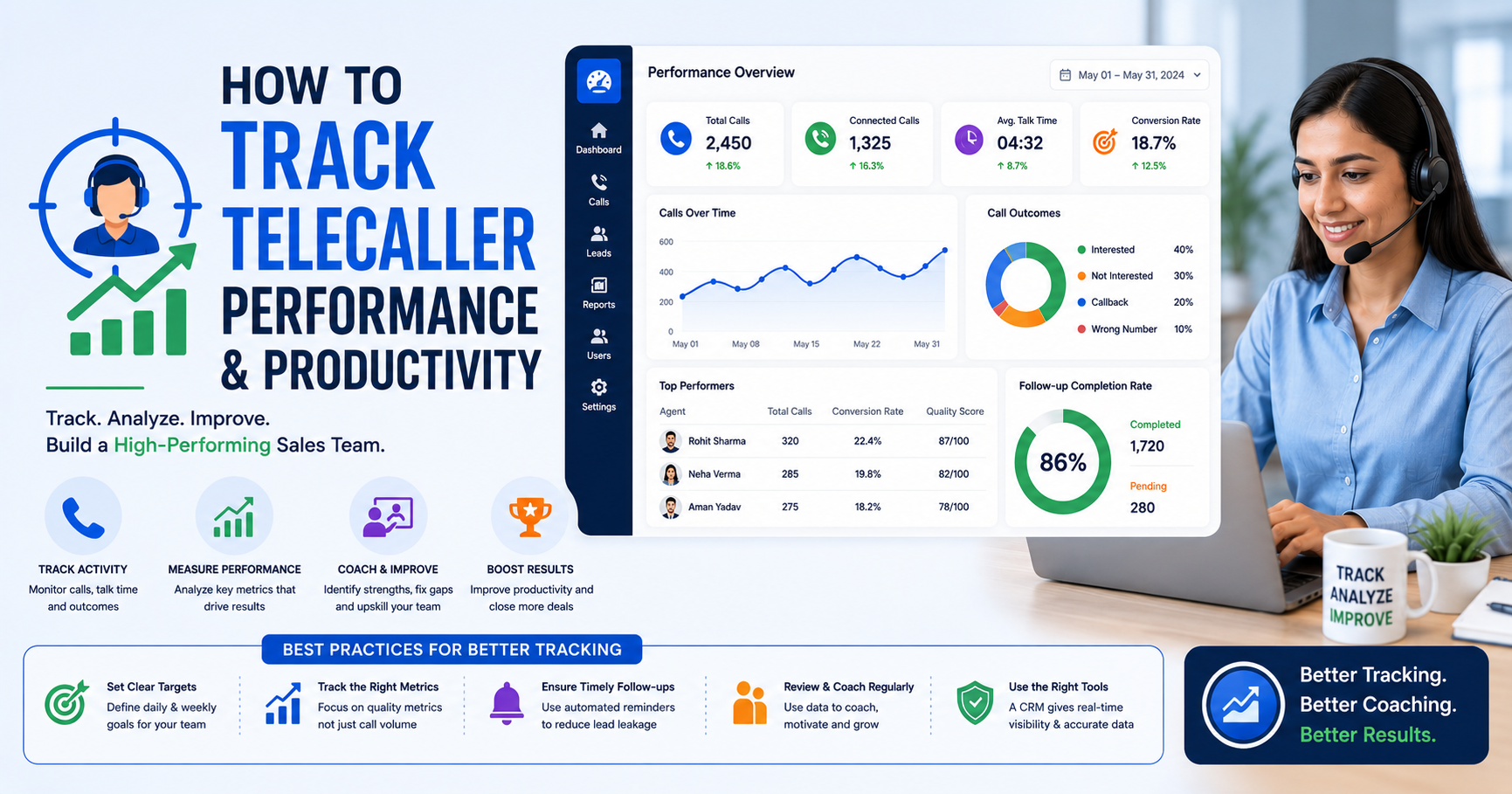
Sales managers need to know who is on a call, who is idle, and how each agent is performing. Ideally, they should see this without asking for a manual update. A live view of talk time and deals closed helps managers coach the team. It also helps them spot problems early, instead of finding out at month-end.
How This Looks in Practice
Example 1: A performance marketing agency. A small agency running Google and Meta ads for itself receives 15-20 enquiries a week. Without a CRM, these sit in an inbox, and a founder calls each one whenever time allows. With lead capture and an auto dialer in place, however, the team can dial every enquiry within minutes, while interest is still high.
Example 2: An agency managing client campaigns. An agency running lead generation for a real estate client and an education client needs to keep both lead streams separate. So the team tags leads by client and reviews pipeline value per client. This way, the agency can show each one exactly how their campaign is performing, without running two systems.
These are illustrative scenarios based on common agency workflows, not case studies of specific customers.
Benefits of Using a CRM for Digital Marketing
| Benefit | What It Solves |
|---|---|
| Faster lead response | Agents can call ad leads within minutes instead of hours or days |
| No duplicate or lost leads | Automatic deduplication across multiple ad sources |
| Clear pipeline visibility | Deal value tracked from first call to close |
| Better client reporting | Separate tracking for each client’s lead stream |
| Consistent follow-up | Automated reminders reduce leads going cold |
| Team accountability | Managers see call activity and outcomes in real time |
Common Mistakes Agencies Make Without a Proper System
- Treating every lead the same. Marketing leads need a fast response; treating them like general enquiries slows down conversion.
- Relying on manual exports from ad platforms. This approach creates delay and duplicate entries.
- Mixing client leads together. Without tagging or separation, reporting to individual clients becomes guesswork.
- Skipping follow-up scheduling. A lead that isn’t reached on the first call often needs two or three more attempts. Without reminders, agents simply forget these.
- Not tracking deal value. Without a pipeline view, it’s hard to know which lead sources are actually worth the ad spend.
How TeleCalling CRM Supports Digital Marketing Teams
TeleCalling CRM’s digital marketing industry solution handles this exact workflow. It connects Facebook and Instagram lead ads, Google Ads, website forms, and Google Sheets. So the system deduplicates and auto-assigns every enquiry to an agent as it arrives.
The platform also includes a preset pipeline for marketing sales stages: New Lead, Discovery Call, Audit/Proposal, Negotiation, Retainer Won, and Lost. It captures lead fields like services needed, monthly budget, and decision maker too. So agents have the right context before every call.
For agencies managing multiple clients, tagging by source keeps each client’s pipeline tracked separately. A live war room view shows call activity and deal value across the team in real time. Meanwhile, the mobile app lets agents call and log outcomes from the field. Every plan includes these features; current pricing sits on the pricing page.
This is one option among several in the market. The right fit ultimately depends on an agency’s workflow, client base, and budget.
How to Choose a CRM for Your Digital Marketing Team
Before choosing a system, check for a few specifics:
- Does it connect directly to Facebook, Instagram, and Google Ads lead forms?
- Does it support tagging or separating leads by client?
- Is there an auto dialer, or does it only log manual calls?
- Can you track deal value and see pipeline by stage?
- Is there a mobile app for agents outside the office?
- Does pricing scale reasonably as the team grows?
Overall, a free trial with real leads for a week is usually more useful than comparing feature lists. It shows how the tool fits daily workflow.
FAQs
What is a CRM for digital marketing?
It is CRM software built for marketing agencies and marketing teams. Specifically, it captures leads from ad platforms, assigns them to agents, and tracks calls, follow-ups, and pipeline value.
How is this different from a regular CRM?
A regular CRM handles general sales tracking. In contrast, a CRM for digital marketing adds direct ad-platform integrations, marketing-specific lead fields, and the ability to separate leads by client.
Can one CRM handle leads for multiple clients?
Yes. Most CRMs built for agencies support tagging or separating leads by source or client. As a result, each client’s pipeline gets tracked independently within the same system.
Do I need an auto dialer for a marketing agency?
An auto dialer helps whenever a team makes a high volume of outbound calls, which is common for discovery calls. It reduces manual dialing time and keeps call logs accurate.
What lead sources should a digital marketing CRM connect to?
At minimum, look for direct integration with Facebook and Instagram lead ads, Google Ads lead forms, and website contact forms. These stay the most common sources for agency leads.
How quickly should a marketing lead be contacted?
There is no universal number, but marketing leads respond best shortly after they submit an enquiry. That’s why auto-assigning and queueing leads for a call right away helps agents reach out while interest is high.
Is a telecalling CRM the same as marketing automation software?
No. Marketing automation software typically handles email sequences before a lead becomes sales-ready. A telecalling CRM, on the other hand, focuses on what happens after: calling, tracking, and converting the lead.
Conclusion
Running a digital marketing agency means juggling your own growth alongside every client’s campaign performance, and that only gets harder without a system built for it. A dedicated CRM for Digital Marketing approach, where ad leads land automatically, calls happen quickly, and pipeline value is visible at every stage, removes most of the manual work that causes leads to slip through.
So agencies evaluating options can look at how TeleCalling CRM handles digital marketing pipelines as one reference point. It’s worth comparing this alongside other tools before deciding what fits your team best.